

Fast physical control of lighting, blinds and scenes without opening an app.
Control interfaces
A home should not require a phone for every action.
We combine familiar switches, panels, app, voice and automatic routines. Each interface has a purpose and a clear fallback.
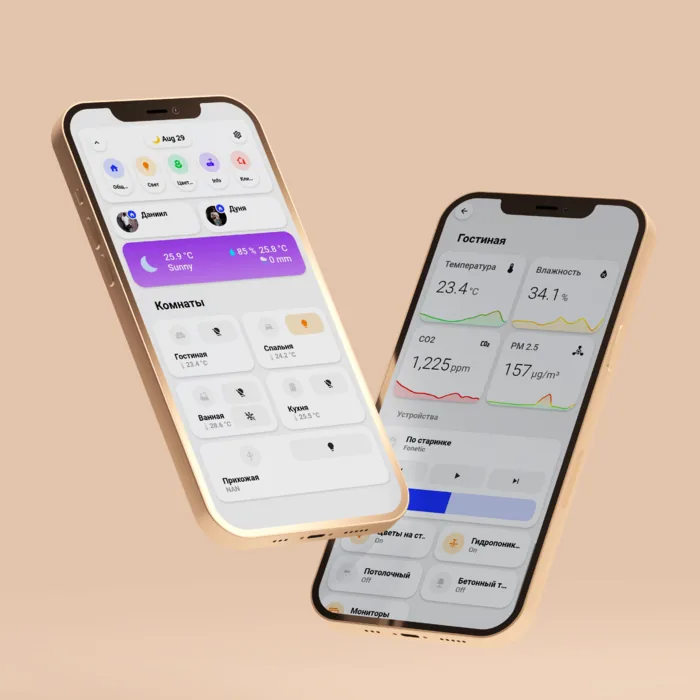
Five ways to interact
The most useful interface changes with the situation.
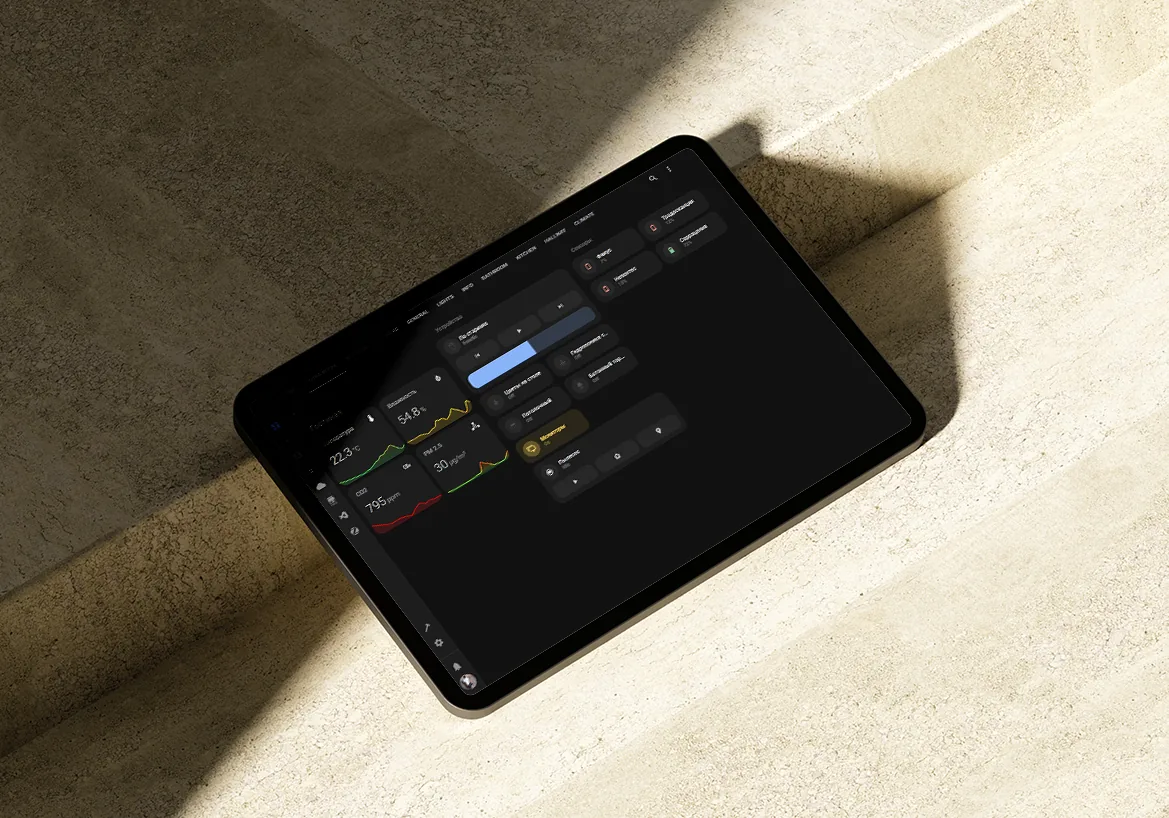
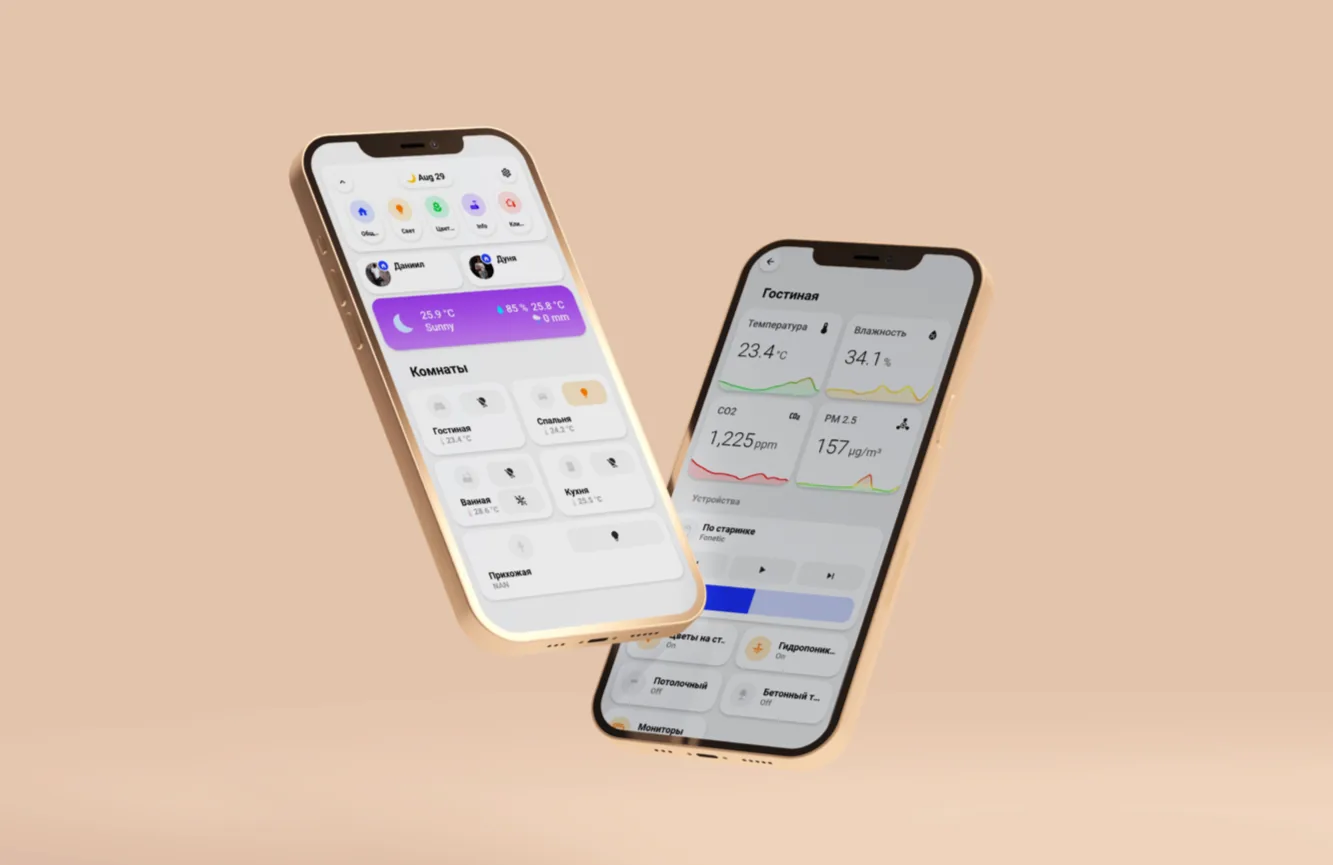
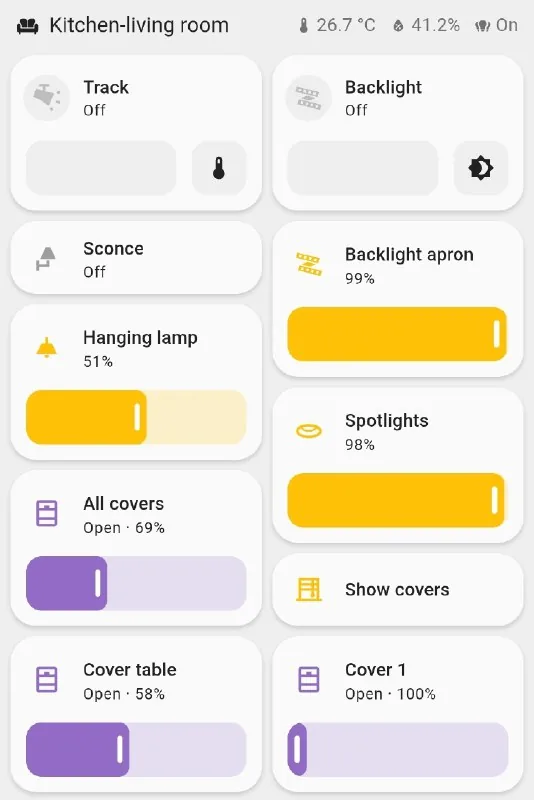
Overview, cameras, climate and key-zone controls in one place.
Systems, readings, logs and remote access when they are genuinely useful.
An additional channel for short commands; availability depends on service and language.
The home reacts to time, sensors and context without waiting for every command.
Interface resilience
A polished app is not the only point of control.
If the internet or a cloud voice service is unavailable, local keys and designed local logic should preserve the agreed basic functions.
Remote access is separated from local operation. Security, VPN, user roles and event logs are configured for the property.
Personalisation
One interface, different roles and habits.
- Separate owner, guest, child and staff roles
- One-time or temporary access
- Clear names for zones and routines
- Owner training after launch
- Documented baseline mode
Your property
Start with a plan, not a device list.
Tell us what you are building, what stage it is at, and what matters most to you.